

Laptop and desktop
Install, sign-up, deposits, spot, futures, and demo account
This guide is for users who want to start the right way: from signup and account security to demo practice and controlled futures trading. We recommend treating this page as a checklist.

Start with the demo account, then install the mobile app or desktop app, and enter futures with small size.
Use an email or phone number you always have access to. After login, prioritize security settings. If possible, sign out unknown devices and keep security alerts enabled.
Futures is powerful but not for everyone. Leverage affects profit and loss quickly. Professional advice: understand the tool, control size, then speed. If emotions are hard to control, start futures with very small size.
Two-factor authentication (2FA) is the most important step. Avoid reused passwords, open links only from official channels, and verify suspicious messages through official email or this site.
Official guides for desktop, mobile, and safe demo practice.
Install, sign-up, deposits, spot, futures, and demo account

Sign-up, trading, futures, and charts in the Android app
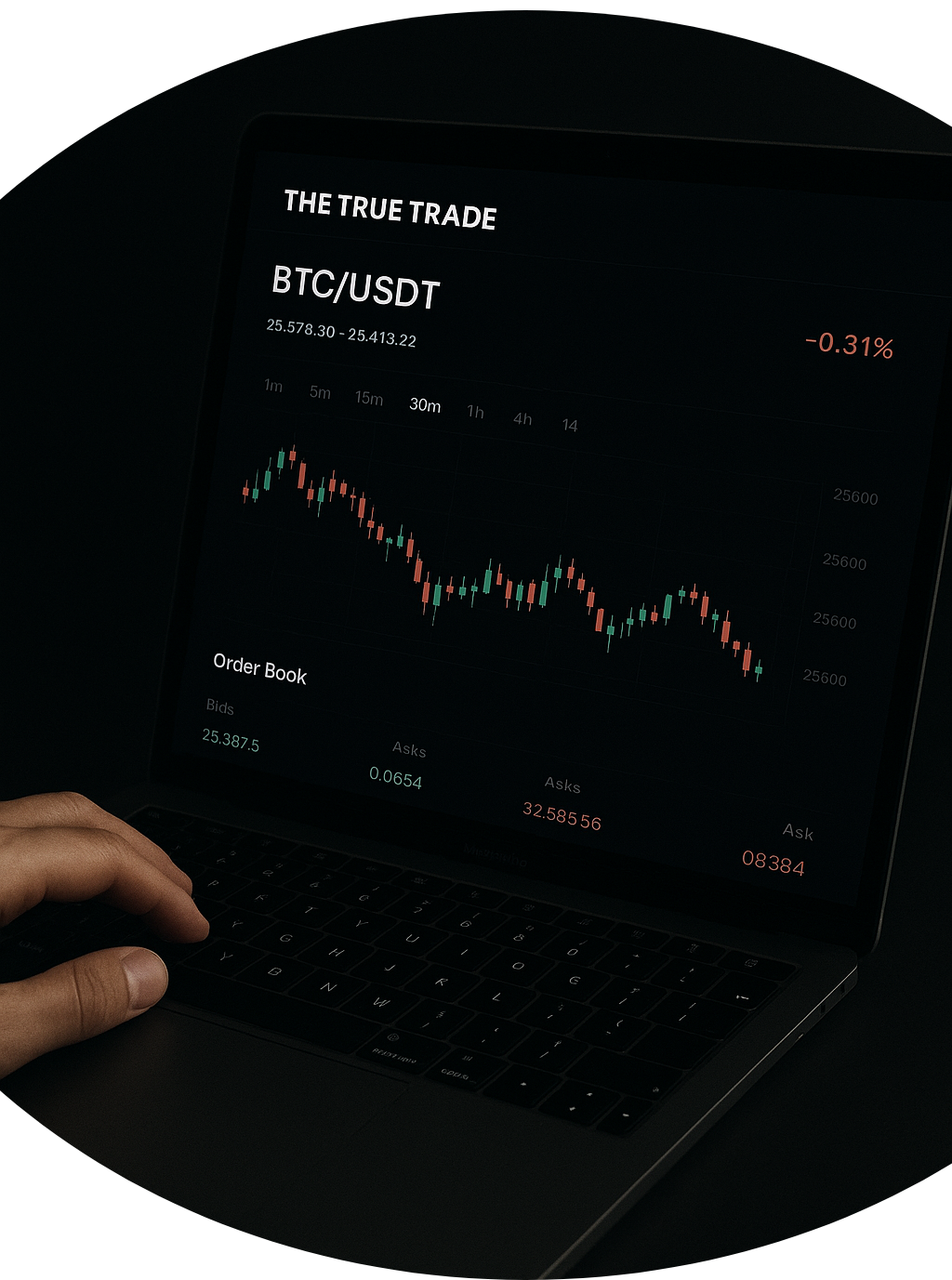
Practice on demo, leverage, stop loss, and going live safely
Practice these on demo, then apply the same discipline live.
Every trade should have a stop loss decided in advance—not a reactive exit.
Size trades as a percentage of capital. Going all-in is a common mistake.
Log results and entry/exit reasons. This improves decisions over time.
Articles and guides to deepen your knowledge and stay current in the market.